All Seren apps

Early days — edits and find/replace work; syntax highlighting covers a small set of languages

Seren Edit

A modern, fast and easy to use text and code editor for Android.

Part of Seren: free, carefully made, and built so you aren’t the product.

JetBrains Mono on the same color schemes as Seren SSH, folders via the Storage Access Framework, recent files, and careful handling of encodings and line endings. No storage or network permission — it only reaches files you choose.

Features

From the Seren Edit README. Nothing invented.

Editing

  • JetBrains Mono on a canvas in the same 11 color schemes as Seren SSH (Midnight by default)
  • Syntax highlighting for Kotlin/Java, JSON, XML/HTML, shell, Markdown, YAML and TOML
  • Line numbers, word wrap, pinch to zoom, and a text size setting with a live preview
  • Extra keys row: Tab, arrows, Home/End, undo and redo, brackets and symbols
  • Find and replace (Ctrl+F / Ctrl+H), with match-case; hardware shortcuts for save and undo/redo
Files

  • Create a file anywhere, open any file, or add whole folders to browse from the Files tab
  • “Open with Seren Edit” from other apps, and “Open in Seren Edit” in Seren Files
  • Keeps each file’s encoding (UTF-8, BOM variants, Latin-1) and line endings (LF, CRLF, CR)
  • Warns before opening files over 2 MB, refuses files over 16 MB and binary files with a clear reason
  • Asks before discarding unsaved changes

Privacy

  • No storage or network permissions: Seren Edit only reaches the files and folders you choose
  • Optional app lock with biometrics or the device screen lock
  • Export and import of folder and recent-file metadata as JSON (SAF grants stay device-bound)

Screenshots

Rendered from the app with demo data.

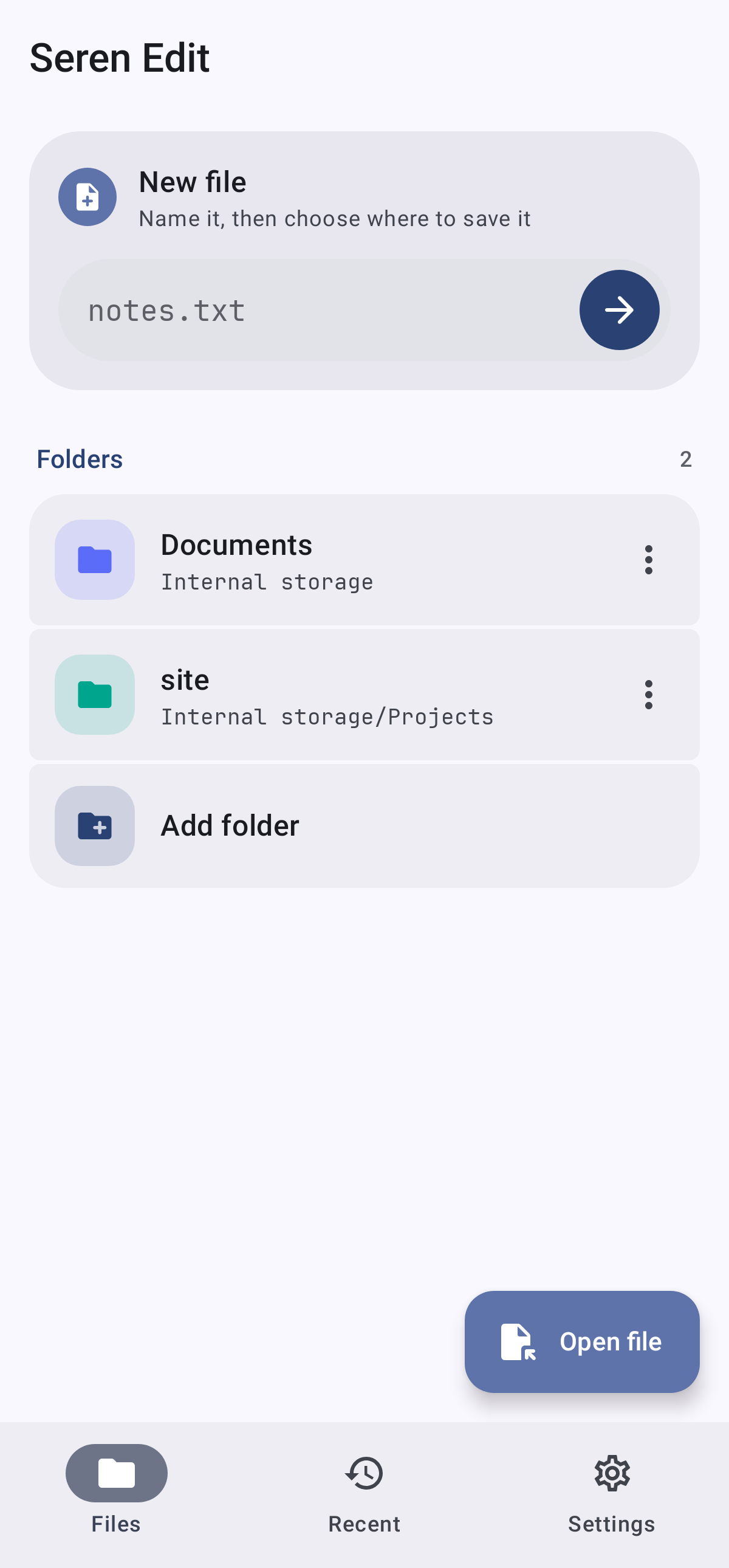
Files tab in Seren Edit
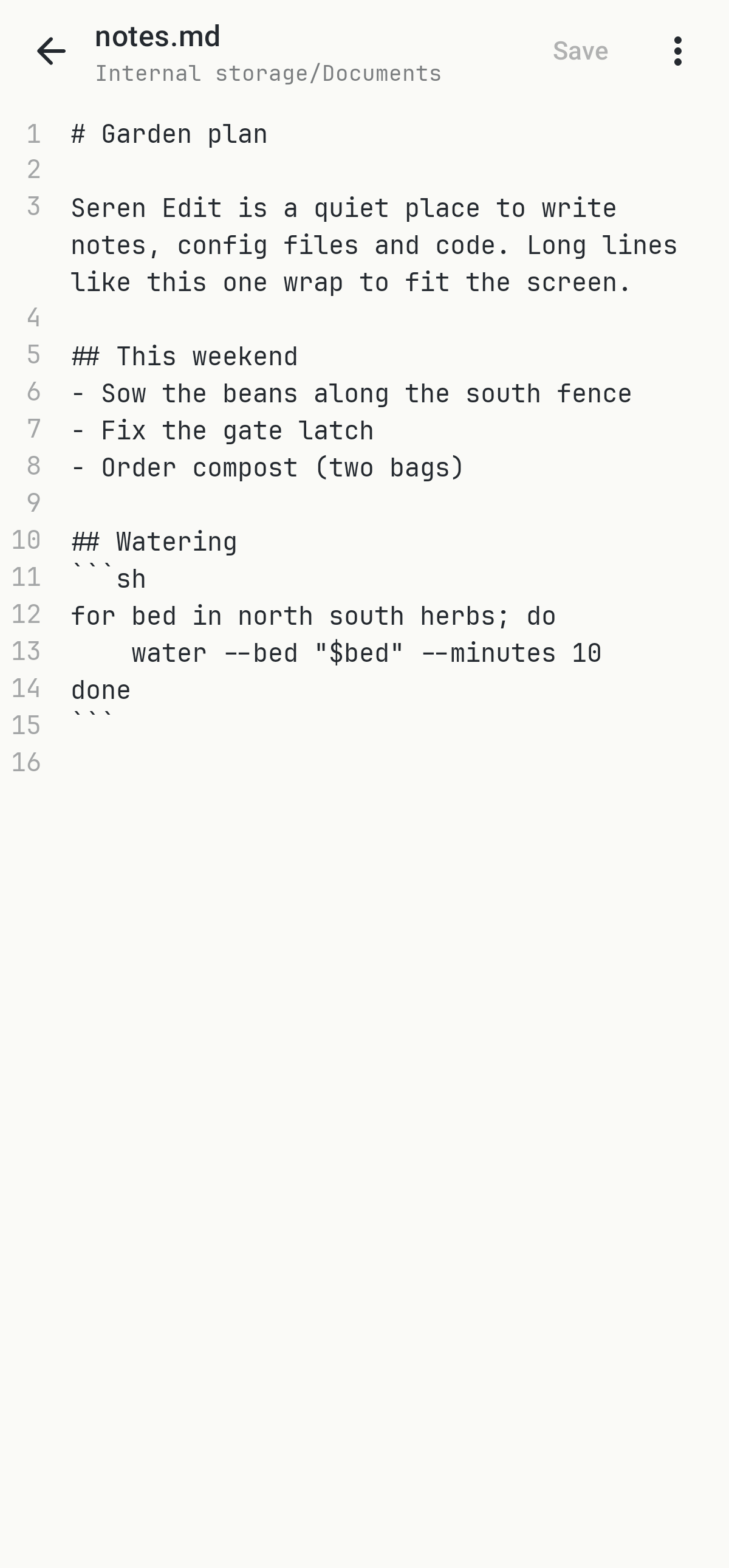
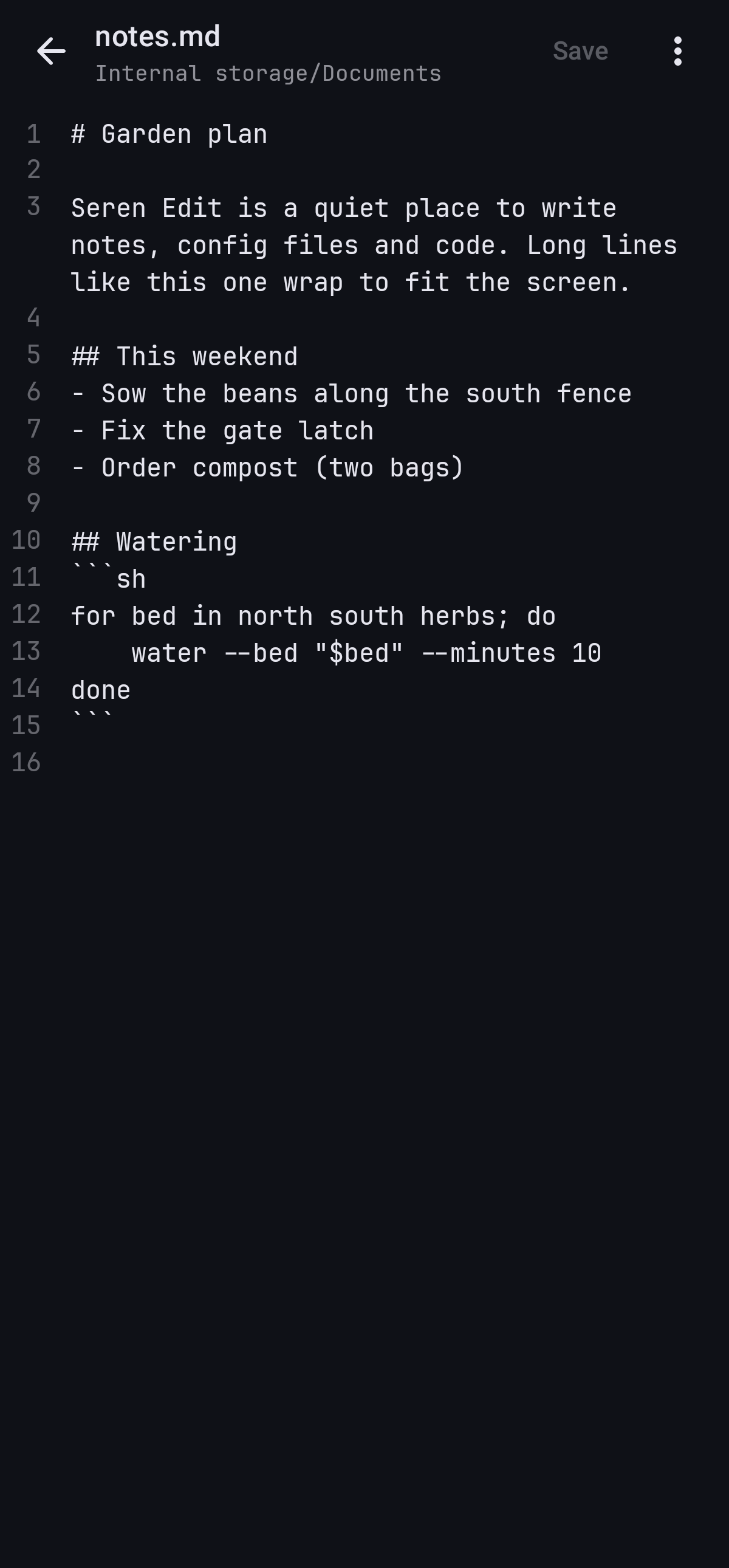
Editor canvas in Seren Edit
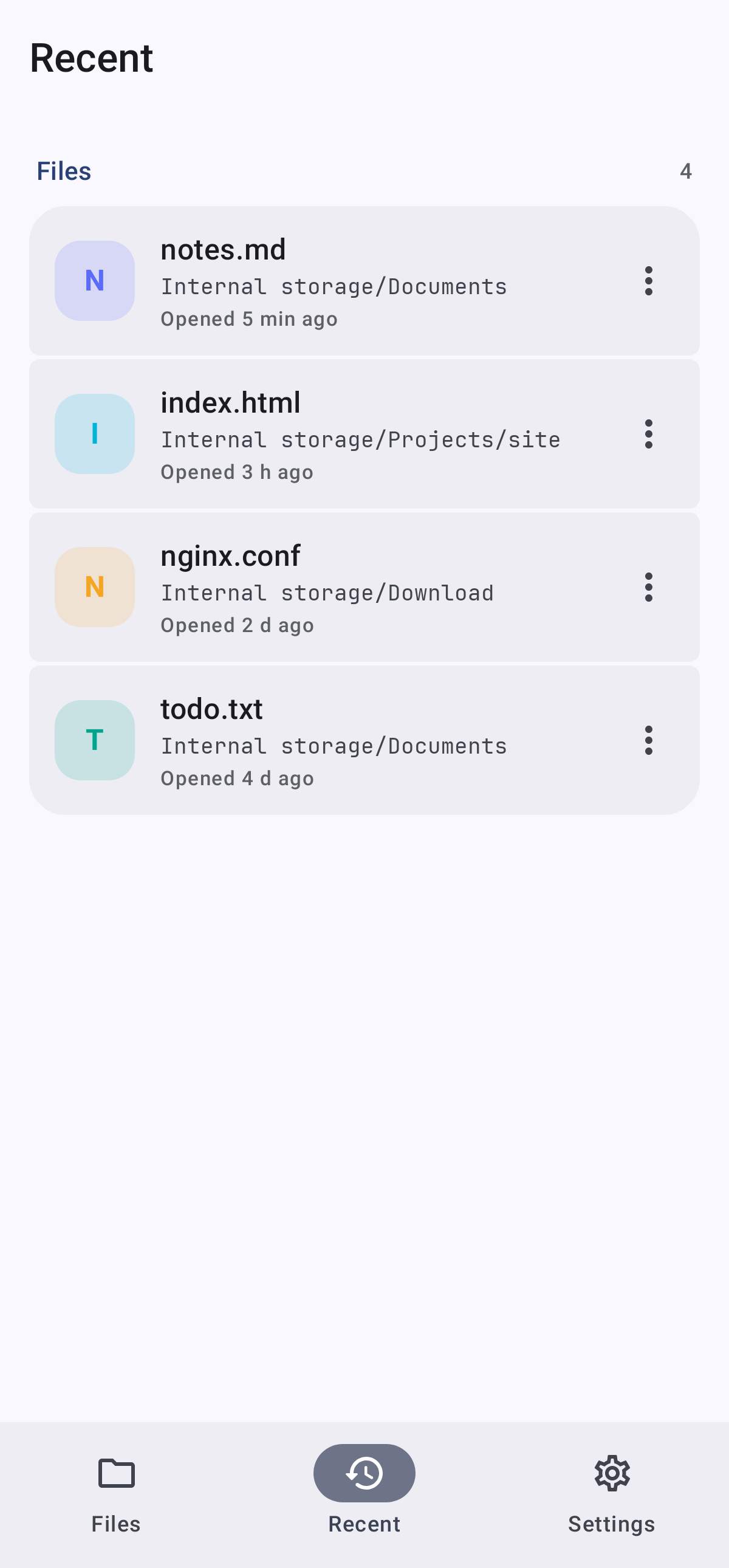
Recent files in Seren Edit
Editor in the Paper color scheme

Part of the Seren suite

Same theme, same promises, and careful handoffs with the other apps when they are installed.